Your warehouse is the source
Kerf runs metric queries where your data already lives. Define a metric in SQL once, and use it in every experiment, guardrail and readout. Nothing is copied out.
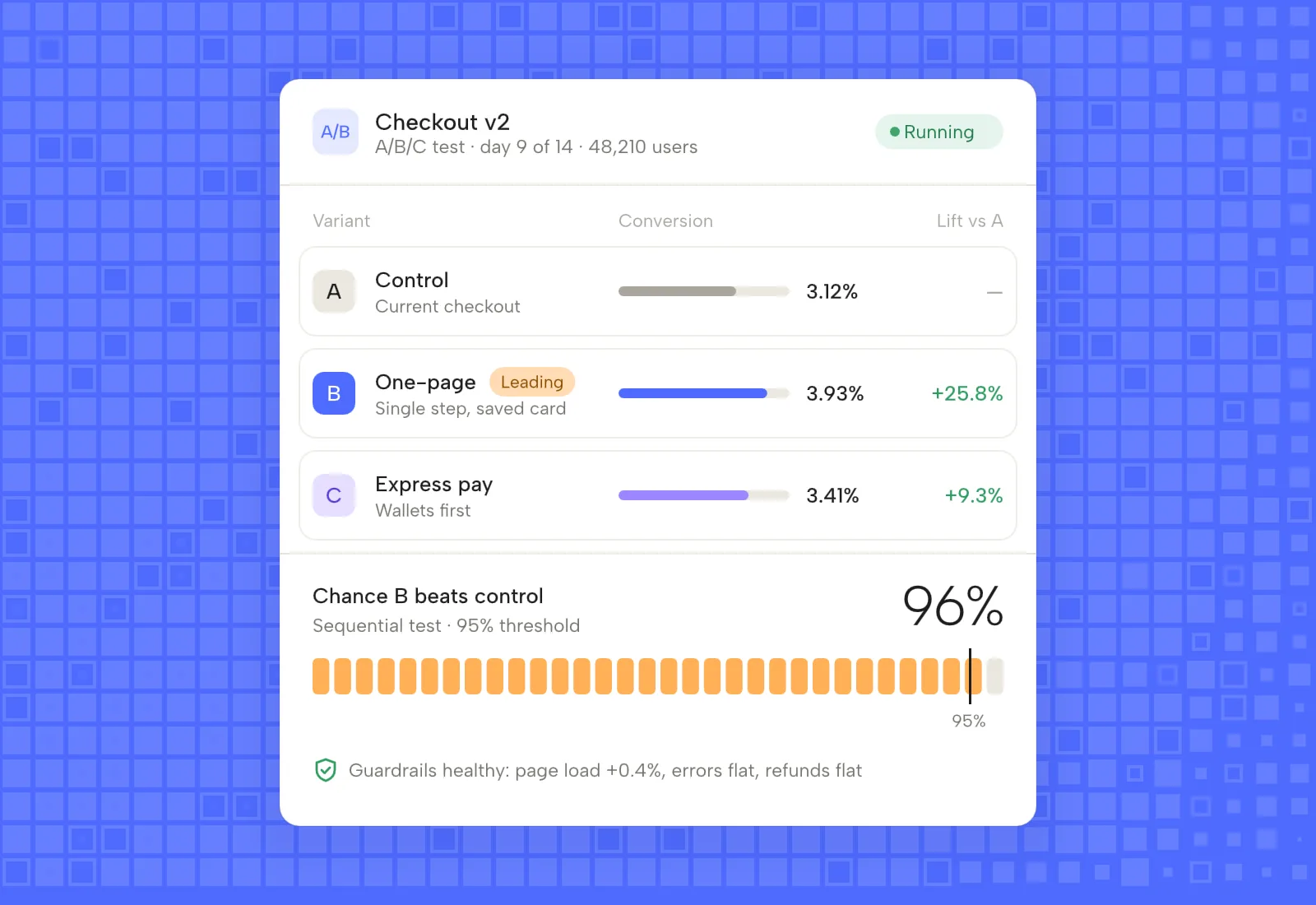
Warehouse native by design
Snowflake
Key pair or OAuth auth, a dedicated role and warehouse, and query tags so you can see Kerf spend.
BigQuery
Service account access scoped to the datasets you pick, with partition aware queries to keep cost down.
Databricks
SQL warehouses and Unity Catalog, with service principals and no clusters to manage.
Redshift
Serverless and provisioned clusters, through IAM or a database user in a private subnet.
Incremental runs
Only new exposure and metric rows are scanned each run, so a long test costs little after day one.
One metric layer
Import from dbt or define in Kerf. Both produce the same SQL, reviewed in git.
Exposures out, metrics in
Kerf writes exposure events to a table in your warehouse. Metric SQL joins them to your own events, orders and subscriptions. Results are computed in place and only aggregates come back to Kerf.
- Row level data never leaves your account
- Backfill past experiments from history
- Run on your schedule or after each dbt build
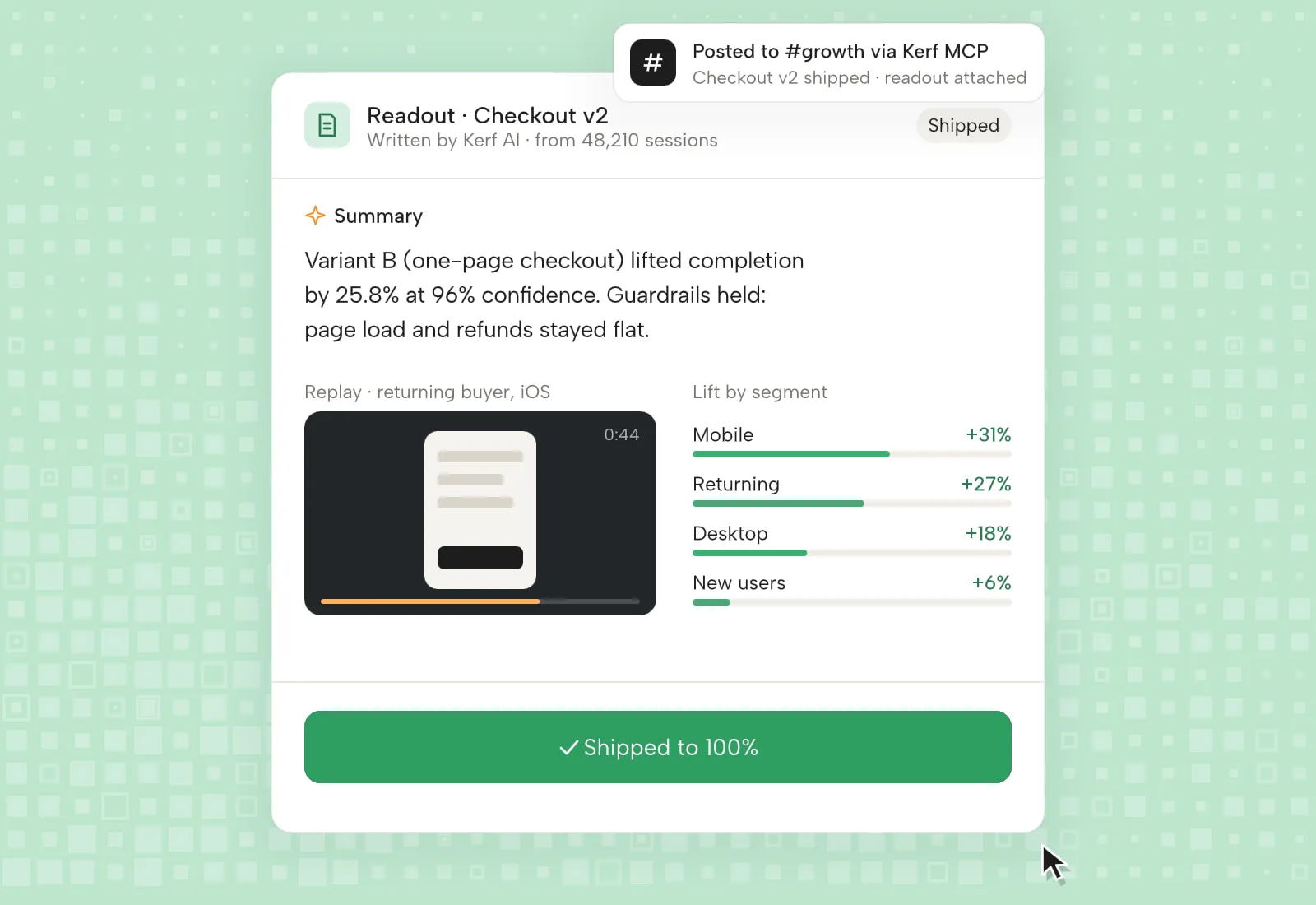
How each warehouse connects
| Warehouse | Auth | Compute | Cost control |
|---|---|---|---|
| Snowflake | Key pair, OAuth | Dedicated warehouse | Query tags, resource monitor |
| BigQuery | Service account | On demand or slots | Partition pruning, dataset scope |
| Databricks | Service principal | SQL warehouse | Auto stop, Unity Catalog |
| Redshift | IAM, database user | Serverless or cluster | Workload management queue |