Kerf inside your tools
The Kerf MCP server gives Claude, Cursor, Slack, Linear and any other MCP client scoped access to your flags and experiments. Ask a question where you already are.
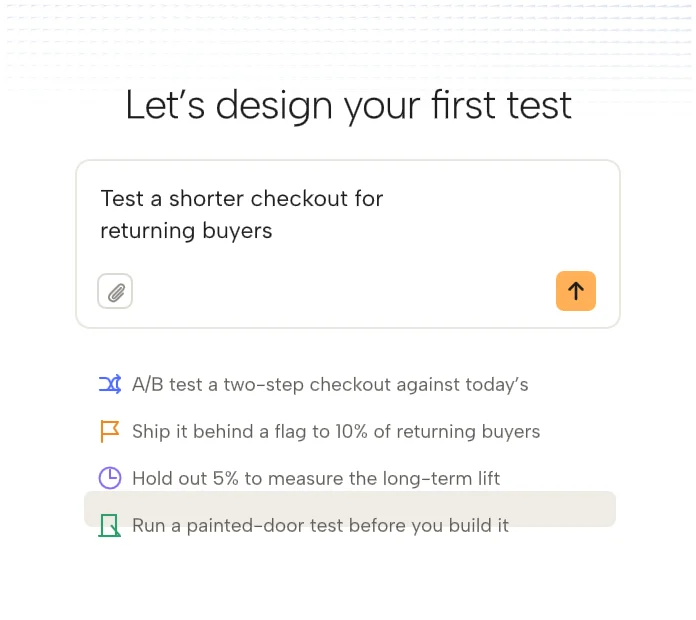
What you can do from a prompt
Read results
Ask how the new onboarding is doing and get the readout, interval and guardrails in the reply.
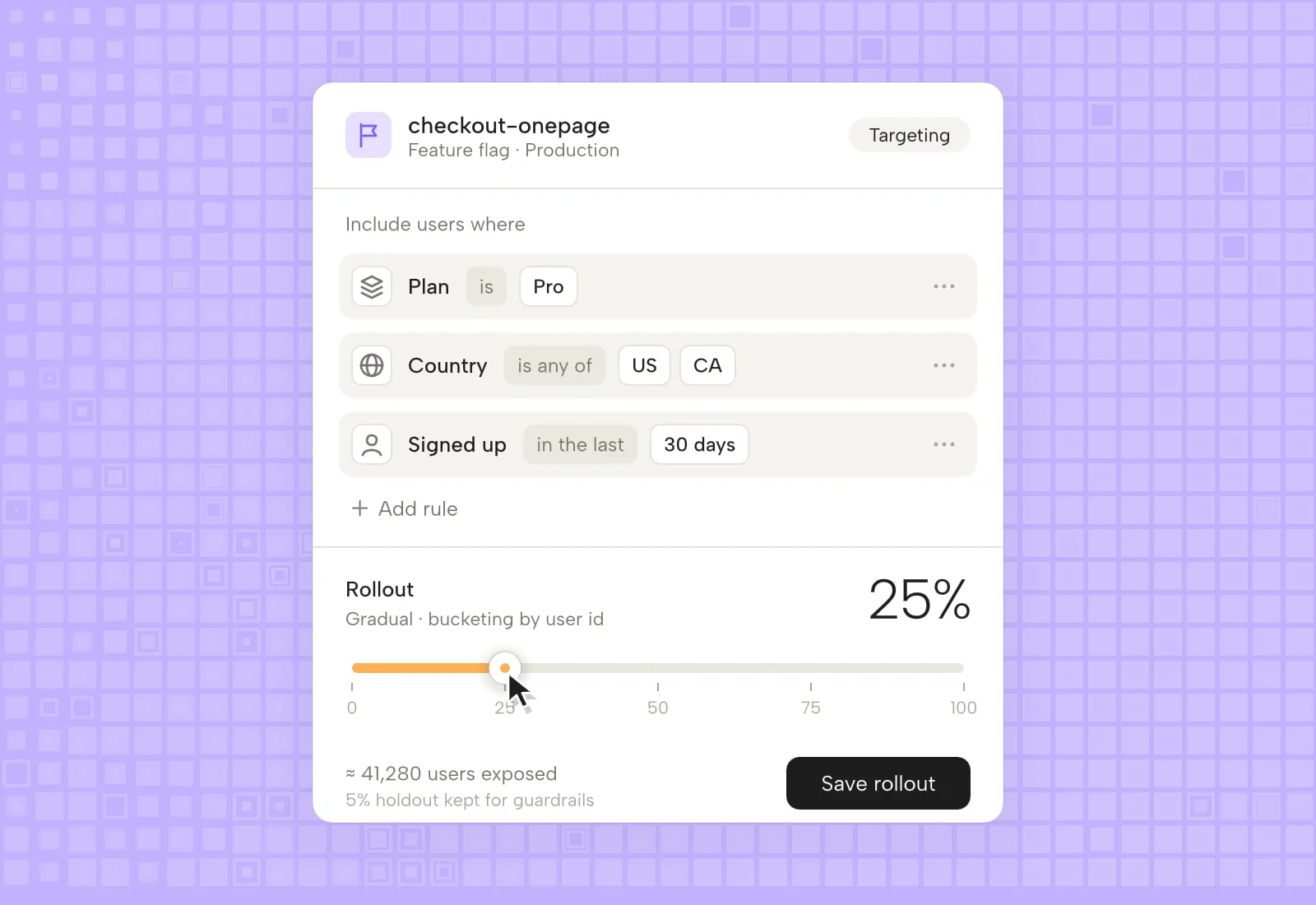
Create a flag
Describe the rollout in a sentence. Kerf drafts the flag and rules and waits for your approval.
Plan a test
Give a hypothesis and traffic. The MCP returns sample size, duration and a metric suggestion.
Clean up flags
Ask which flags are stale and have the removal pull request opened from your editor.
Search learnings
Check what past tests found about pricing, checkout or onboarding before you start another.
Roll back
Turn a flag off from Slack at 2am without opening the dashboard.
Scoped, logged and reversible
Tokens are issued per user and per workspace, with read only as the default. Write actions are proposals that a person approves in Kerf or in the client. Everything is written to the audit log with the client that asked.
- Read only by default
- Write actions need approval
- Per environment scopes
- Full audit log with client name
Connect in a minute
- 01
Create a token
In Settings, choose scopes and environments. Copy the token once.
- 02
Add the server
Paste the Kerf MCP URL and token into Claude, Cursor or your client of choice.
- 03
Ask something
Try what is running in production right now, and read the answer with links back to Kerf.
MCP questions
Which clients work?
Any client that speaks MCP over HTTP, including Claude, Cursor, Windsurf and the Kerf apps for Slack and Linear.
Can it change production?
Only with a write scope, and only after a human approves the proposed change.
Is there a self hosted option?
Enterprise customers can run the MCP gateway in their own cloud. Contact us.